
Definitley worth getting used to all the options and quick-links (even if you are a novice.) Get the paid version if you read manga a lot and can afford it. Small increase in features but funds this fantastic app. Don't be scared of this app if you are a novice, just be aware that it has a lot of features and an open-source esque interface with them. Try it out, it's free! (And donate when you see how awsome it is... free is the way of the future) >:there are options for simple interface.

Information
- Developer
- Rookie001
- Publisher Country
- US
- Country Release Date
- 2010-10-02
- Categories
- Comics
- Country / Regions
- US
- Developer Website
- Visit website
- Support URL
- Get support
- Content Rating
- Everyone
About this app
Perfect Viewer is a very fast image/comics/ebook viewer.
*Turn black/white image into 4 colorize image(Only available for donated users. Need install Perfect Viewer donation application).
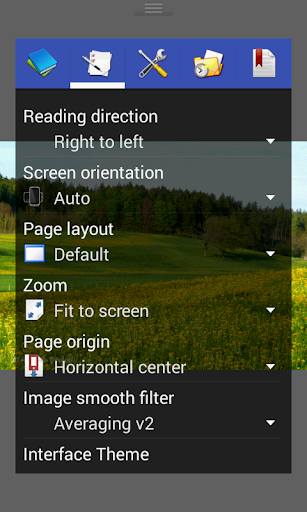
*Page layout: Auto single page, Auto dual page, Auto switch by screen orientation
*Support eEook file format: EPUB, HTML, TXT
*Support image file format: JPEG, PNG, GIF, BMP, WebP, TIFF
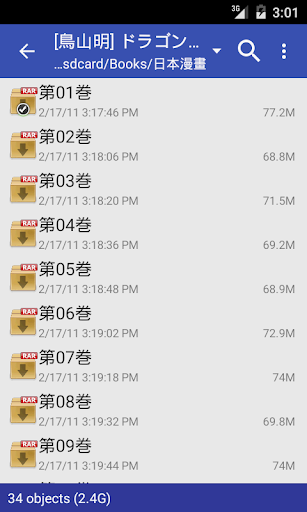
*Support archive file format: CBZ/ZIP, CBR/RAR, 7Z/CB7, LZH, CBT/TAR
*Support PDF, XPS & DJVU file after install the PDF plugin
*Open file from network file sharing(CIFS/SAMBA), FTP, SFTP, FTPS, OPDS
*Require internet permission for CIFS/SAMBA support.
*Support open files from Google Drive, Dropbox, OneDrive after install the source plugin
*Require “GET_ACCOUNTS” and “USE_CREDENTIALS” permission for Google Drive support
*Support 3 viewer mode: Page mode, Vertical scroll mode (PDF viewer,webtoon like) and Horizontal scroll mode.
*Smooth filters: Averaging, Bilinear, Bicubic, Lanczos3;
*Five view mode: Full size, Fit Screen, Fit Width, Fit Height, Fixed size, Stretch;
*Support Left-to-right & right-to-left reading
*Set image as wallpaper
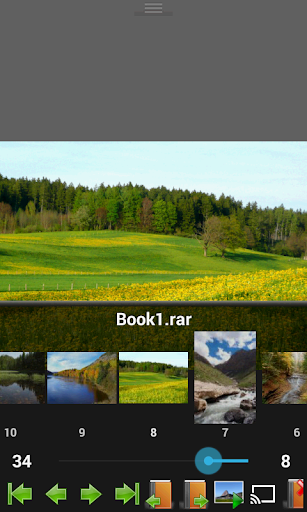
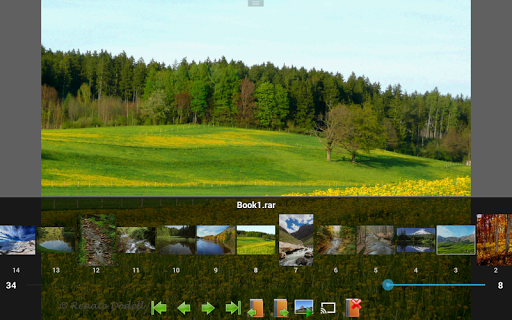
*Browse image in folder/archive as thumbnail
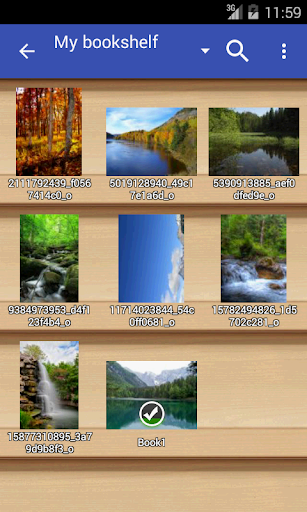
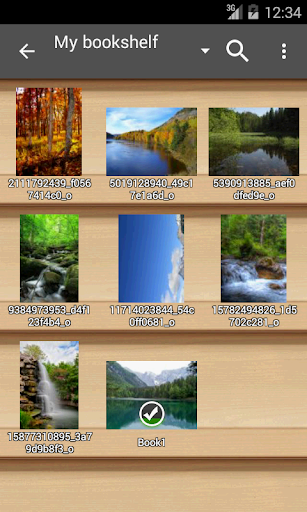
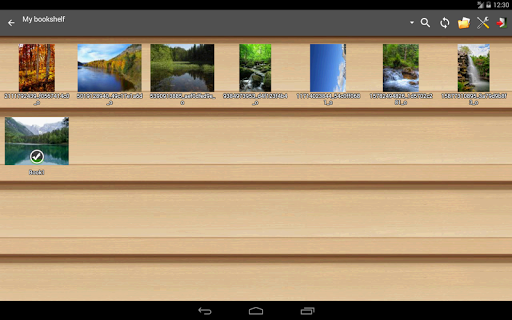
*Bookshelf function
*Support pinch to zoom & fling gesture
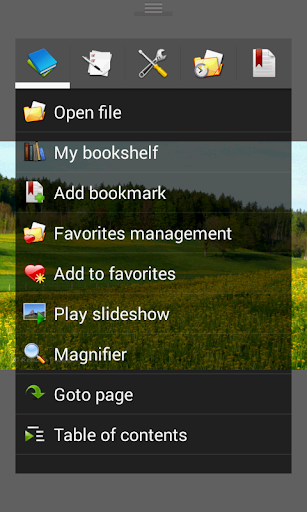
*Simple bookmark function
*My favorites management
*Cache next and previous page
*Simple file management(delete, rename)
*Slideshow
*Support extract files from archive
*Adjust image brightness,contrast & gamma
*Auto cut off white border.
*Support Google Chromecast
*Balloon magnifier
Ratings
Featured reviews
This was my favorite app for reading books and comics. But as the version goes up, things got pretty unstable. Now, if I jump to other pages, it usually crashes. When I try to move to the first page, moving progress bar causes 100% crash. Using button was the only way. If I want to jump to the other part, I just have to hope it does not crash. I miss old, simple and stable version.
I was having many of the same problems listed in the recent reviews. Regular crashing, even while trying to submit a bug report. It'd been working fine even after the last update but suddenly took a left turn. I decided to try something. Using Aurora Store (F-Droid), I downloaded the Play Store version in APK form, and installed it over the existing install without uninstalling it. I can't explain why, but no more crashes. I'll contact dev with findings. Still the absolute best!
Screenshots


Get Perfect Viewer
Available for the devices below. Pick yours to continue to the download page.