I have been a SwiftKey user for probably a decade. But since the change in voice typing recently, I've been using gboard. But I have to admit, typing on this is just a million times better. And now I'm really torn. I've been experimenting today, and voice typing seems much improved from when it first changed. But there's one thing keeping me from coming back and using it regularly with a 4 or 5 star review; Samsung pen handwriting to text. Gboard has it. Surely this can too. Let's go!
Information
- Developer
- SwiftKey
- Publisher Country
- US
- Country Release Date
- 2010-09-22
- Categories
- Personalization
- Country / Regions
- US
- Developer Website
- Visit website
- Support URL
- Get support
- Content Rating
- Everyone
About this app
Microsoft SwiftKey is the intelligent keyboard that learns your writing style, so you can type faster.
Use your personalized keyboard to type and send emoji, GIFs and stickers just the way you like.
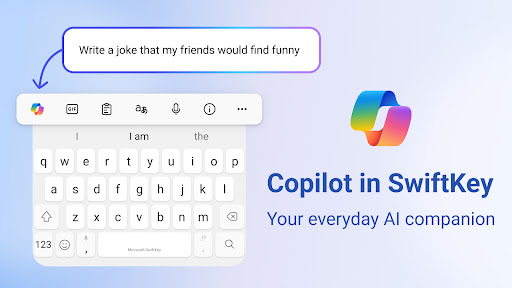
Microsoft SwiftKey comes with Copilot - your everyday AI companion. You can ask AI anything in your favourite apps.
The Microsoft SwiftKey swipe keyboard is always learning and adapting to match your unique way of typing - including your slang, nicknames and emoji.
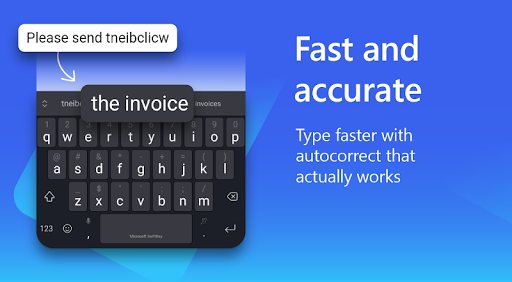
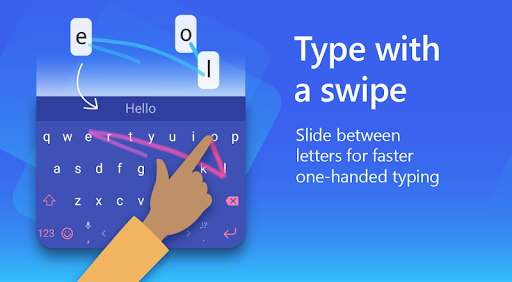
Microsoft SwiftKey caters to all typing tastes, with free designs and themes to fit any style. The custom keyboard provides autocorrect that actually works. Microsoft SwiftKey provides helpful predictions, so you can get your point across fast, without errors. Type and text any way you like, with swipe-to-type, tap-to-type, and searchable emojis and GIFs.
TYPE LESS, DO MORE
Typing
- Swipe to type or tap to type
- Spell checker and auto text with AI-powered predictions
- Custom keyboard toolbar with an expandable menu of quick shortcuts
- Rewrite your text in a different tone and Compose text to effortlessly transform your ideas into polished drafts via AI
Rich content
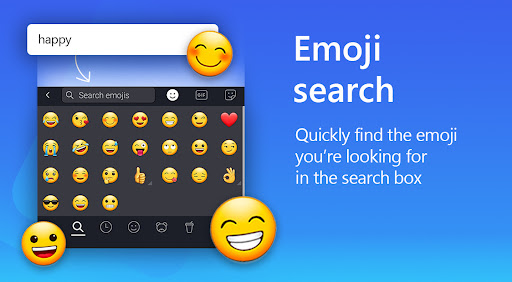
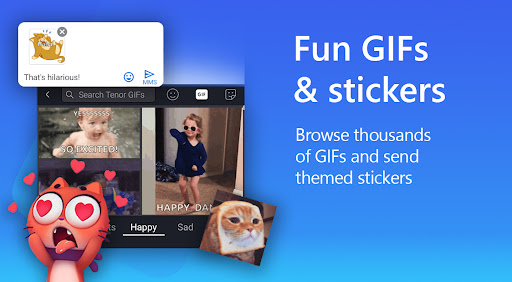
- Use emoji, GIFs and stickers to express yourself 😎
- Emoji keyboard is adaptive, learning and predicting your favorite emoticons for any conversation 👍
- Search emojis and GIFs to find the best one for your reaction 🔥
- Create unique AI-powered images and memes to stand out from the crowd 🪄
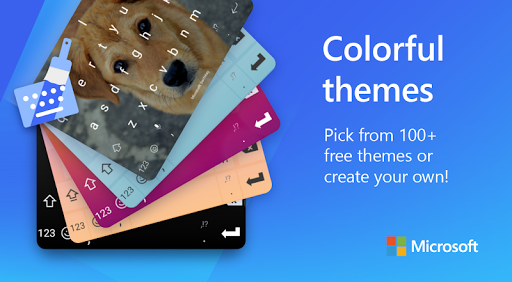
Customize
- 100+ colorful keyboard themes
- Make your own custom keyboard theme with your photo as the background
- Customize your keyboard size and layout
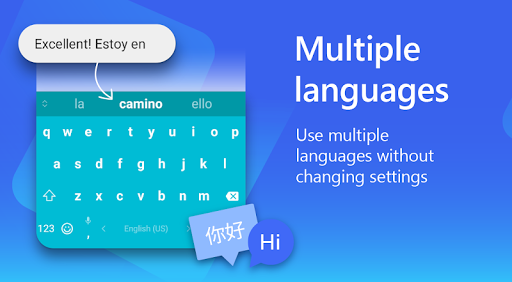
Multilingual
- Enable up to five languages at once
- Keyboard supports over 700 languages
Get the custom keyboard that always matches your style – download Microsoft SwiftKey Keyboard today!
Find out more about Microsoft SwiftKey’s key features: https://www.microsoft.com/swiftkey
SUPPORTS 700+ LANGUAGES including:
English (US, UK, AU, CA)
Spanish (ES, LA, US)
Portuguese (PT, BR)
German
Turkish
French
Arabic
Russian
Italian
Polish
Download Microsoft SwiftKey AI Keyboard
Choose your device. You'll be taken to the official store listing — we never host installation files.
Ratings
Featured reviews
Started to lose features after Microsoft took over. Such as the recent loss of the ability to hide the keyboard while a physical keyboard is plugged in. I've tried everything, had to switch keyboards just to get that feature back. It's less accurate than it used to be too and collects more data than it really should. I just want the ability to hide my keyboard again while a physical is plugged in.
June 2025 Lately, it has been giving me all sorts of trouble. Granted, the problems only seem to happen on my tablet. Though that is what I type on most often. The keyboard closes if I click slightly below the space bar, but the text is gone when it opens back up. It is still present when happening on my phone. The Voice to text button doesn't always launch it. The most problematic is the punctuation button doesn't always work properly. Holding down for options does not work until rebooting.
Screenshots