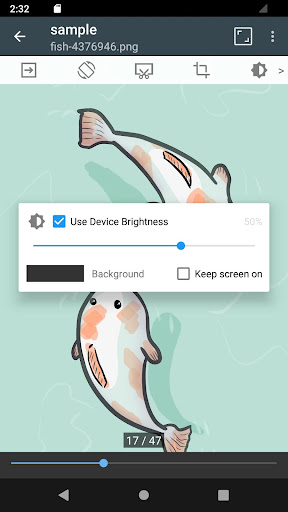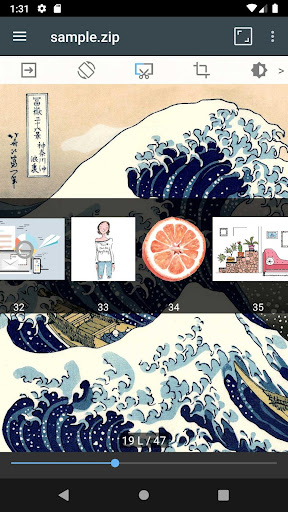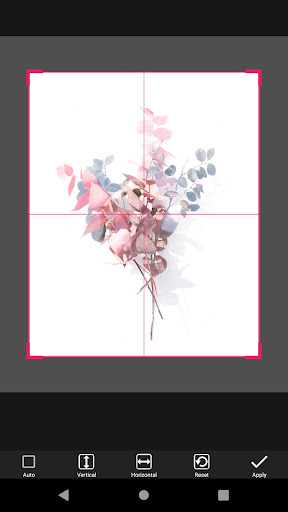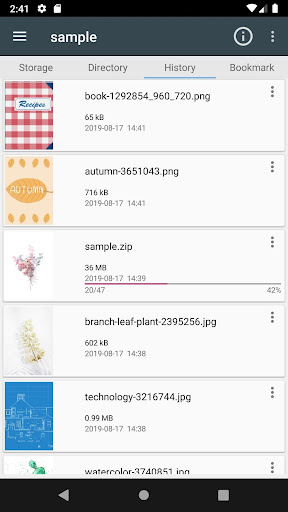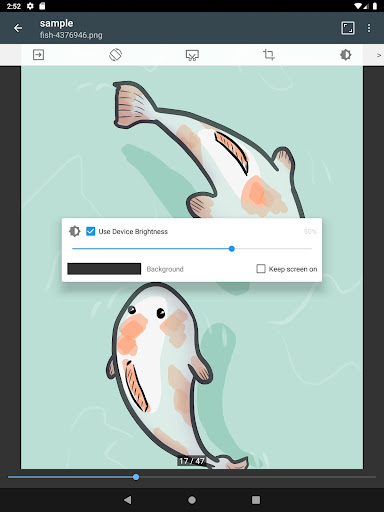
App works great with PDFs and CBZs. Its reading mode is highly customizable. The panel zoom feature is a bit wonky, but I rarely use it as I favor the full page view of reading comics. However, next to an app like Panels on iOS, the interface feels/looks dated. The ads are also a bit annoying, but they don't get in the way all that much.

Information
- Developer
- InstSoft
- Publisher Country
- US
- Country Release Date
- 2014-06-03
- Categories
- Comics
- Country / Regions
- US
- Developer Website
- Visit website
- Support URL
- Get support
- Content Rating
- Everyone
About this app
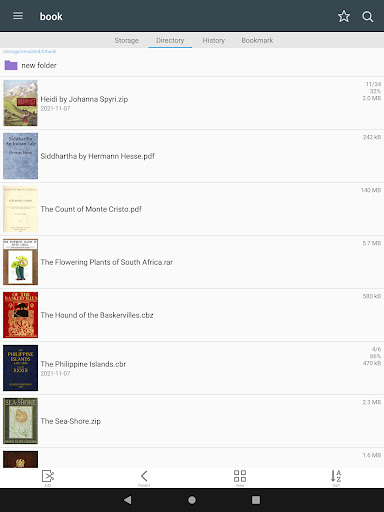
- Support compressed files/type : zip, rar, cbz, cbr, pdf
2. Support Images : jpg, png, gif, bmp, tiff, webp, avif
3. key functions
- Folder, File Explorer (Search, Rename, Delete)
- usb-otg drive support
- smb, ftp network
- Drag & Drop (file, folder, etc)
- See list images in folders.
- Smooth image scrolling
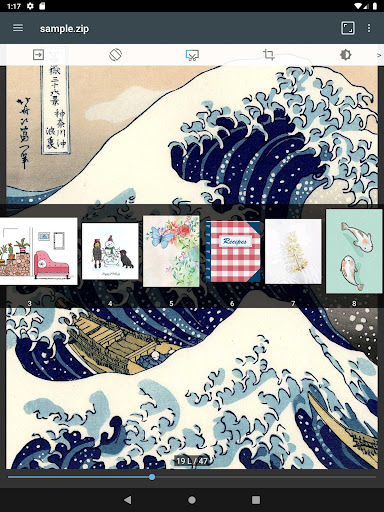
- Bookmark preview
- zip file quick view
- Page move preview
- Horizontal view mode (2 pages)
- Vertical view mode (1 page)
- Automatic page resort
- Support chapter Drawer, if a folder in zip file.
- Cut margin
- Page move by hardware key
Functions for easy management and display of images.
(no images, compressed file in this app)
Download ComicScreen - PDF, ComicReader
Choose your device. You'll be taken to the official store listing — we never host installation files.
Ratings
Featured reviews
I like the app but I do have a issue with it. App is wonderful to read comics but it sucks having to go to the comics folder every time to open it. I have several folders. There are other apps I don't care for that search all the folders and put them where you open the app and can start reading. This is why I can't give this app 5 stars.
So far the best reader I've found for a Chromebook, very responsive and snappy even on an older Chromebook, smoothly displays 1gig+ files that other apps just choke on. Run into a few bugs here and there... When switching from landscape in laptop mode to portrait in tablet mode, or back, it resets my reading positioni to the first page. That's the most annoying one. One or two crashes. Still, the best I've found.
Screenshots